
Reaction interval from 50 to 400 ms
A two-handle control sets a minimum and maximum. When a valid target is under the crosshair, the client chooses a delay within that range before firing, so timing varies within your selected limits.
Learn when Trigger Bot fires, how to set its reaction interval, and which in-game conditions it checks.
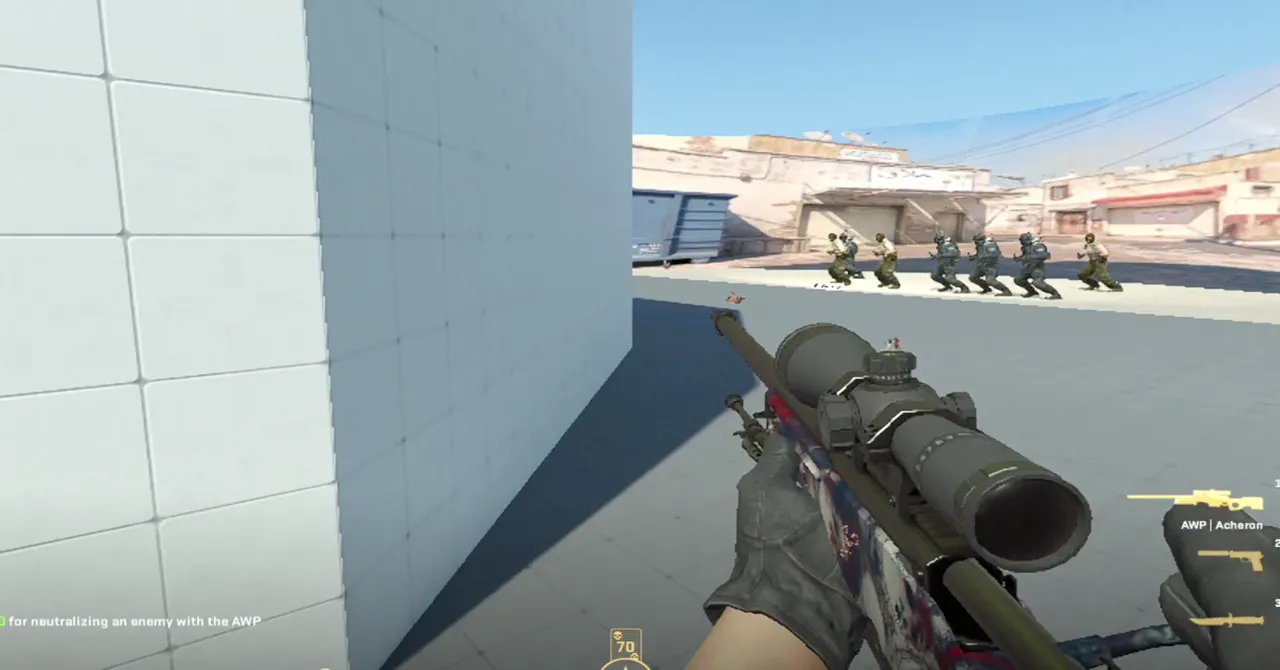
A two-handle control sets a minimum and maximum. When a valid target is under the crosshair, the client chooses a delay within that range before firing, so timing varies within your selected limits.
Firing depends on a valid target and respects the equipped weapon and zoom state. You can turn the feature on or off with the Enabled control.
A smaller interval reduces the delay; a larger one increases the time before a shot. Choose a range that suits your setup and test gradual changes. These are feature limits, not a promise of performance or results.
The application is distributed for Windows 10/11 x64 and requires an active license. Download the sidecar files with the executable and keep everything in the same folder so the client can find them.
The slider sets minimum and maximum limits from 50 to 400 milliseconds.
No. For each valid target, the delay is chosen from the configured interval.
Yes. The feature checks the equipped weapon and zoom state before acting.